Auto-subscribed topic tree
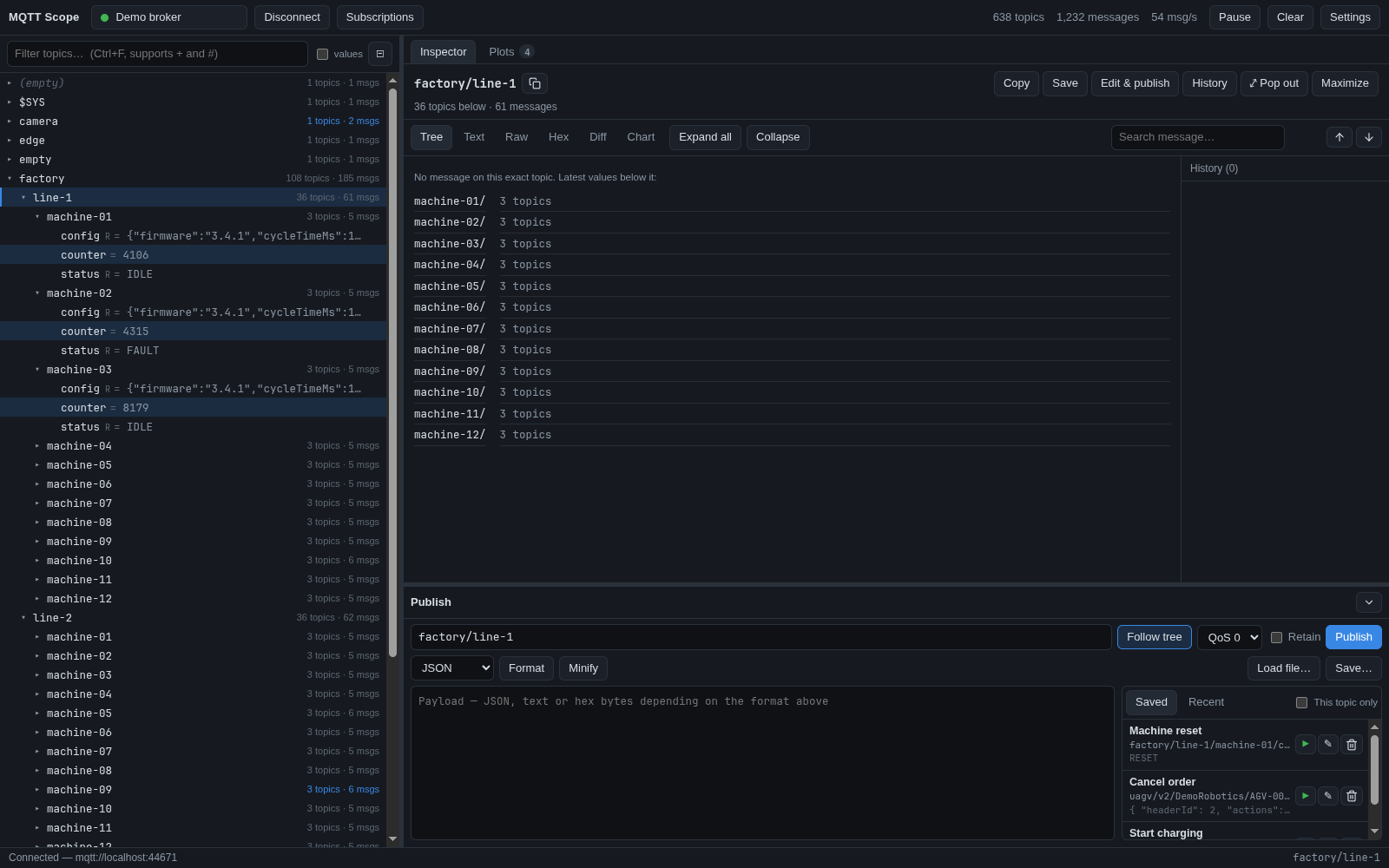
Connect and the tree fills itself. Every topic level shows live message and topic counts, and changed topics flash. It stays smooth with tens of thousands of topics. Filter by text or MQTT wildcard, even inside payloads.
 MQTT Scope
Free MQTT client for Linux, Windows and macOS
A desktop MQTT client for busy brokers: every topic in a live tree, large JSON messages you can actually read, live plots of any value, and a publisher that remembers the messages you send most.
Connect and the tree fills itself. Every topic level shows live message and topic counts, and changed topics flash. It stays smooth with tens of thousands of topics. Filter by text or MQTT wildcard, even inside payloads.
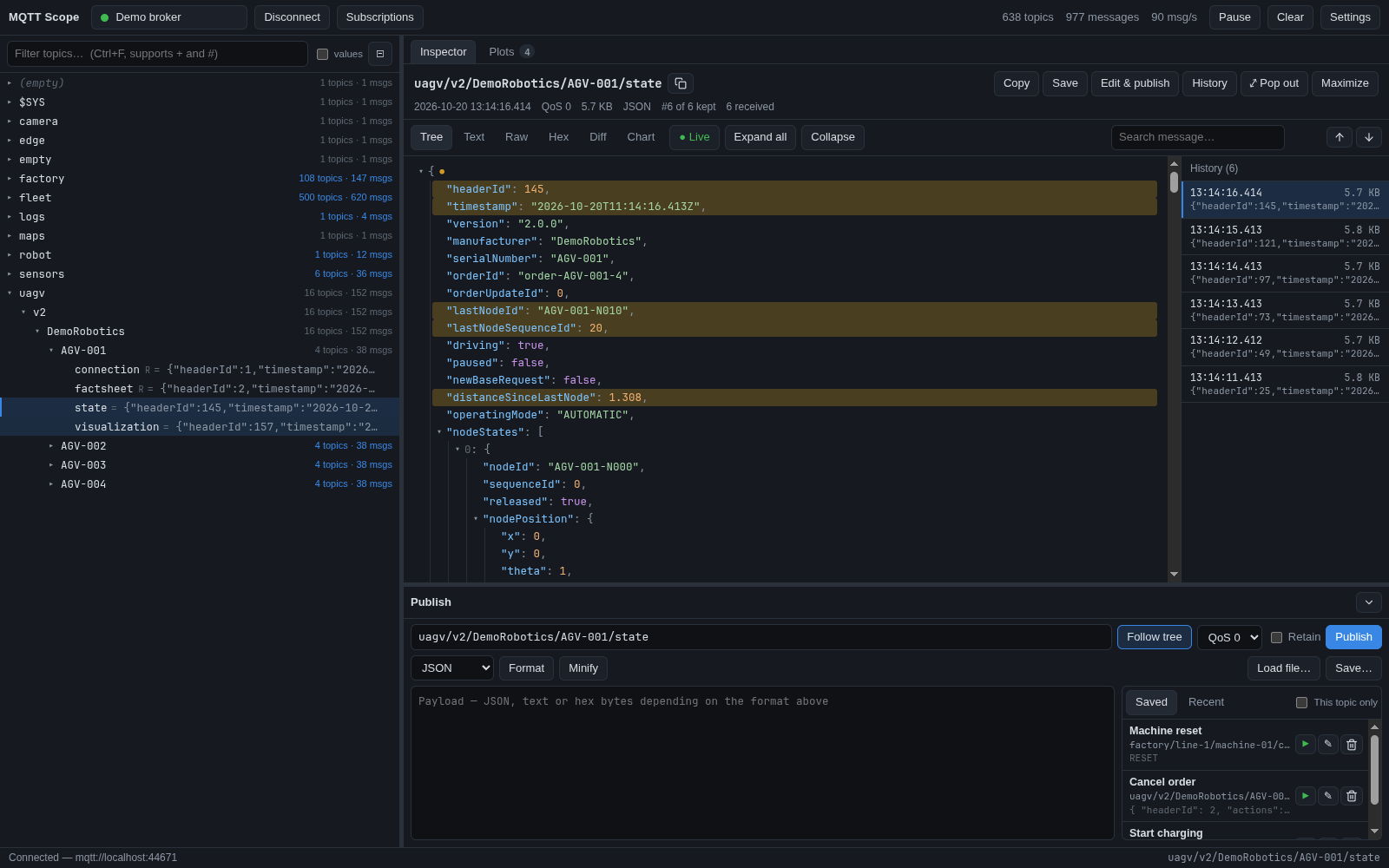
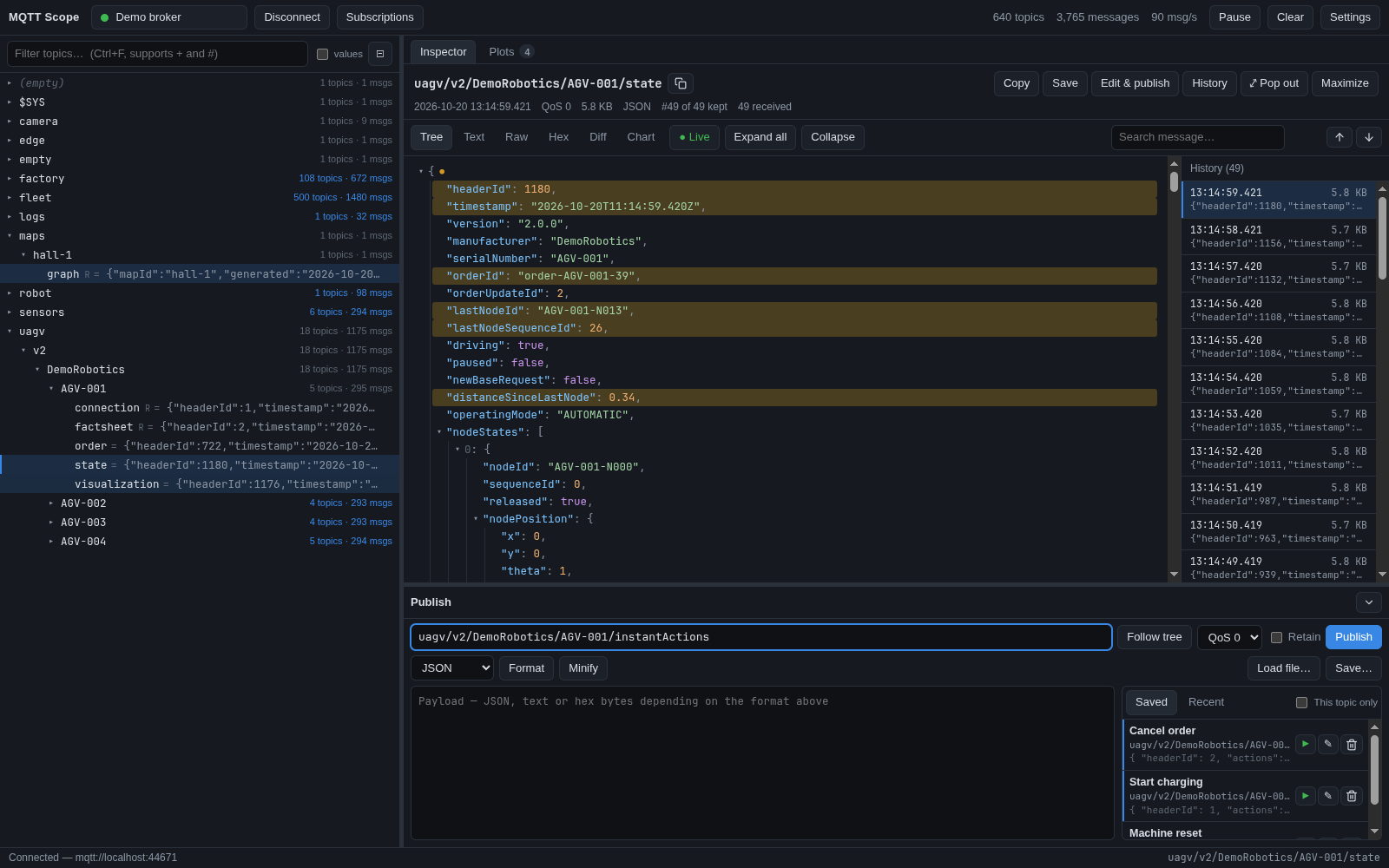
A collapsible JSON tree that highlights what changed since the last message, syntax-highlighted text, raw and hex views, history, and a Held mode that stops the view from jumping while you read. Search filters a multi-megabyte document down to the matching branches.
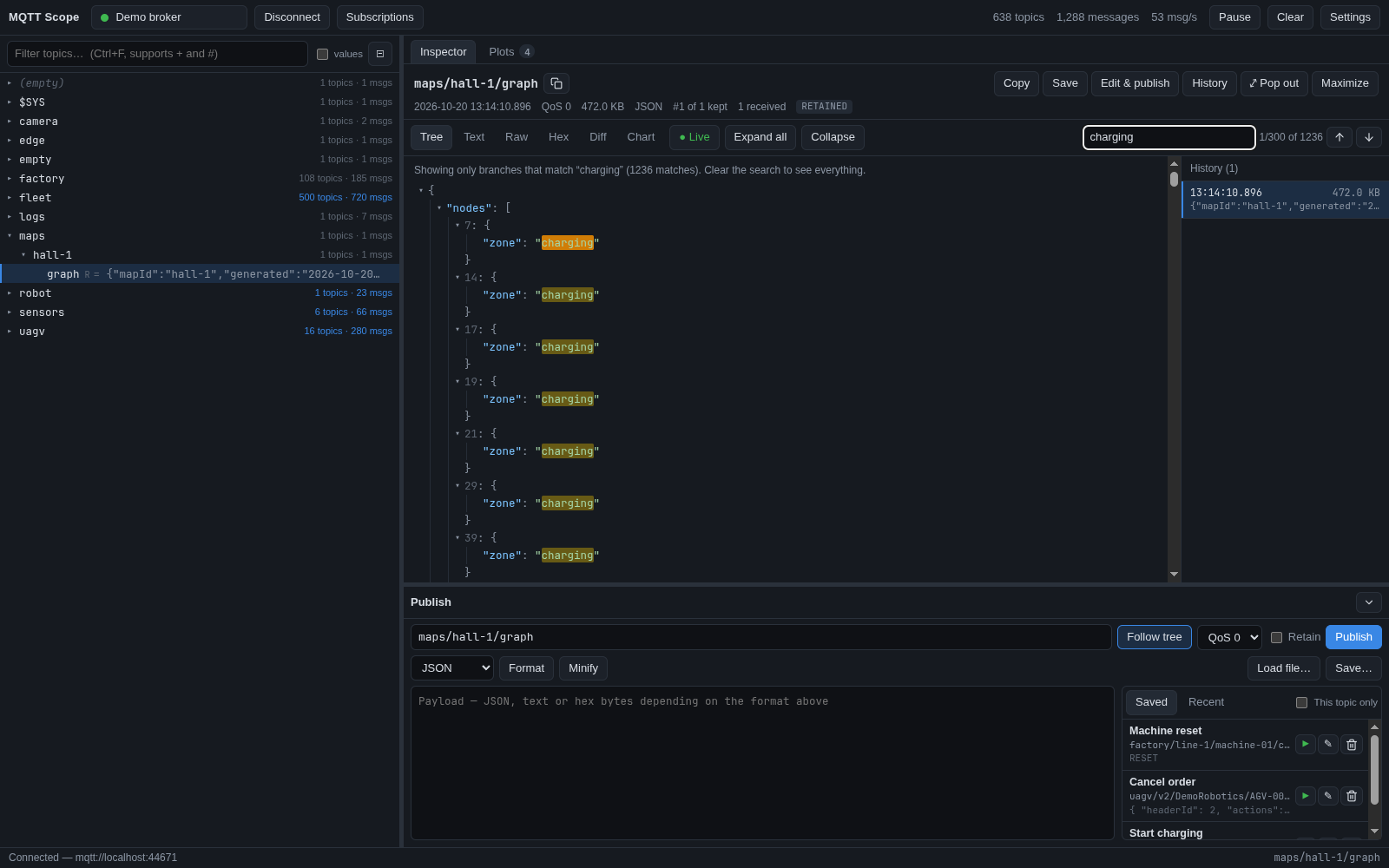
A structural diff lists every added, removed and changed field between two messages, path by path.
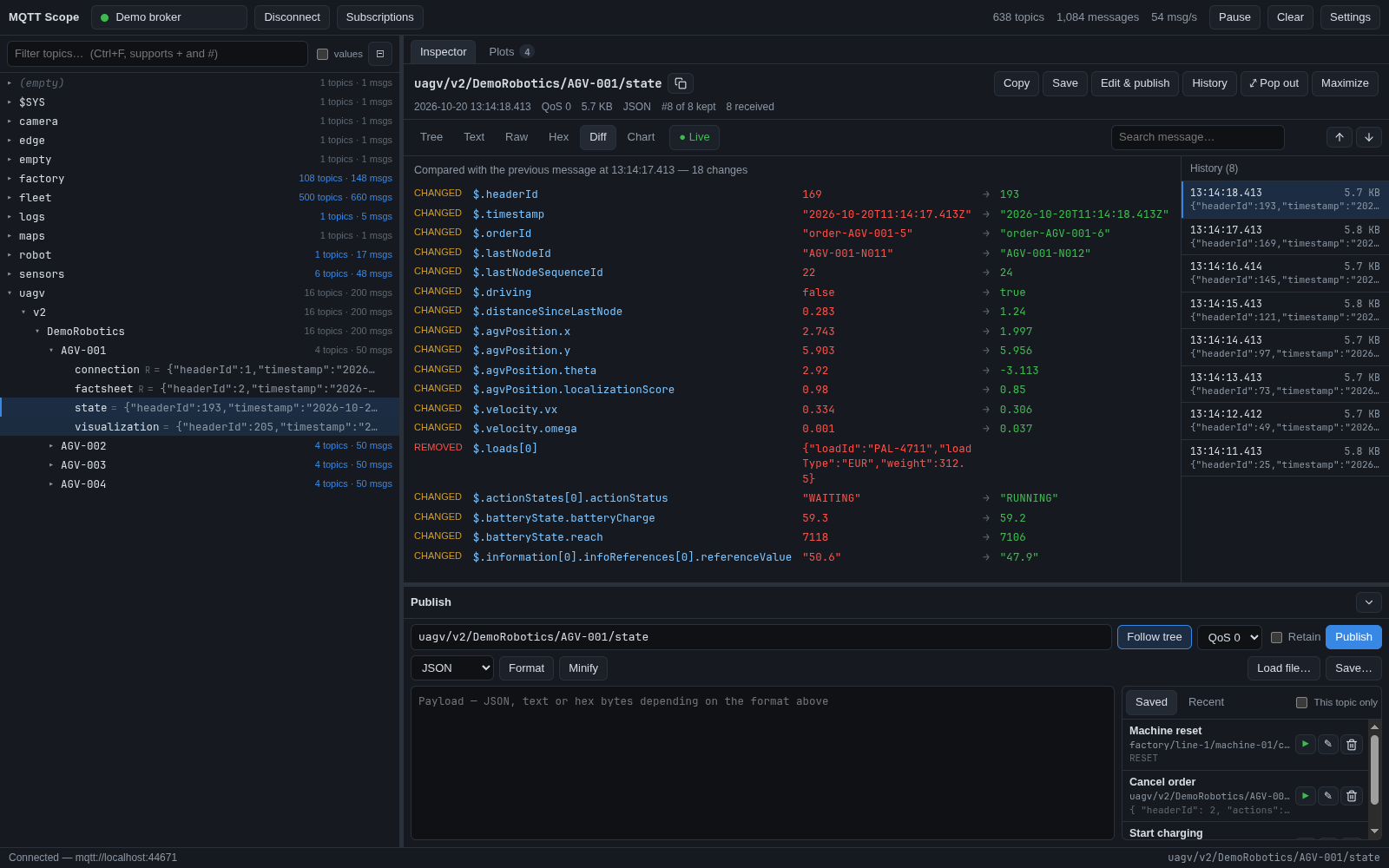
Pick numbers from any topic or JSON field, from several topics at once, and organise plots in named tabs. Plots fill the window and move like panels: drag one by its title to put it beside or below another, drag the gaps to resize, pop a plot out to another screen or show it full screen. Drag across a plot to zoom into a time range; Reset view takes you back to live.
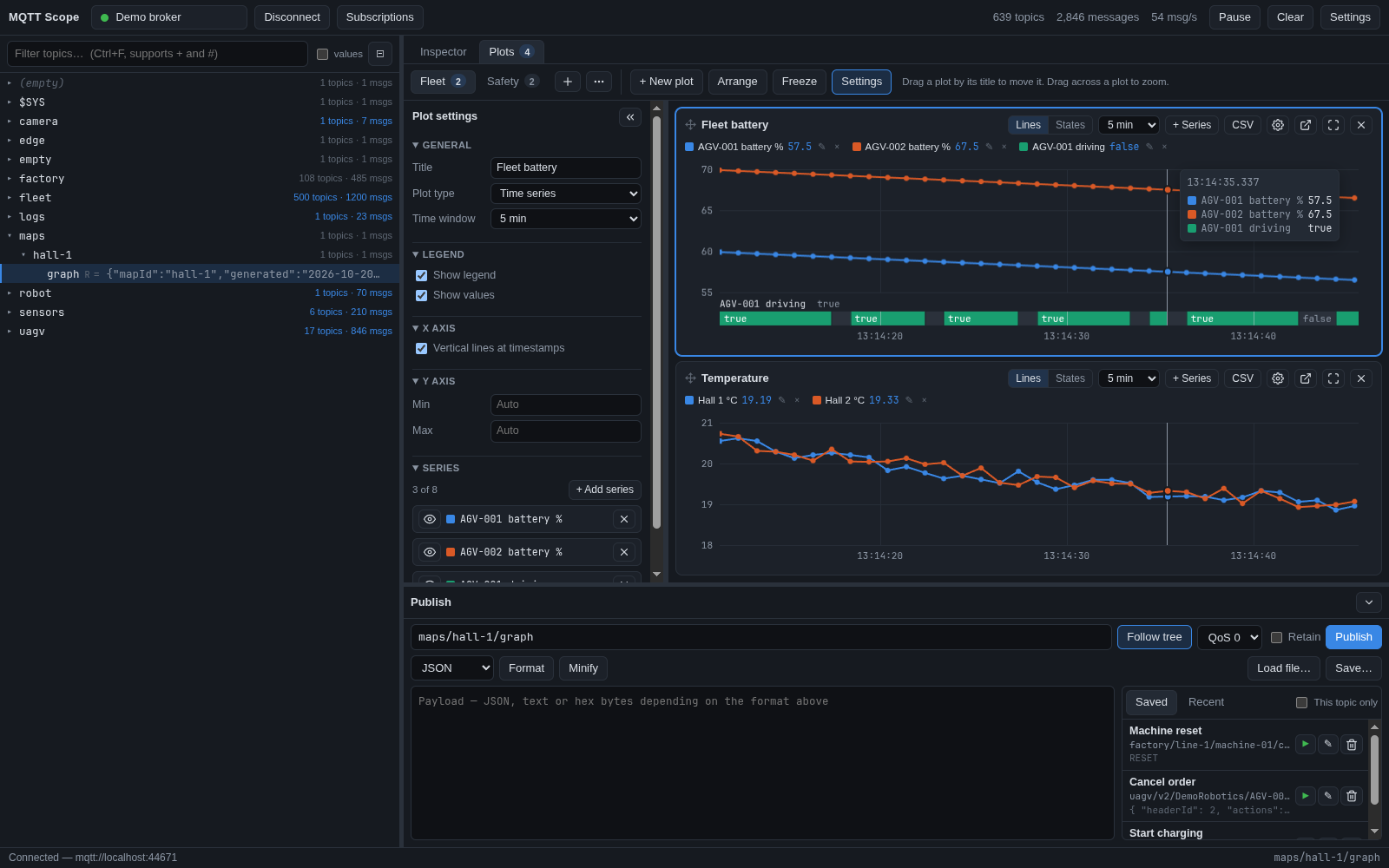
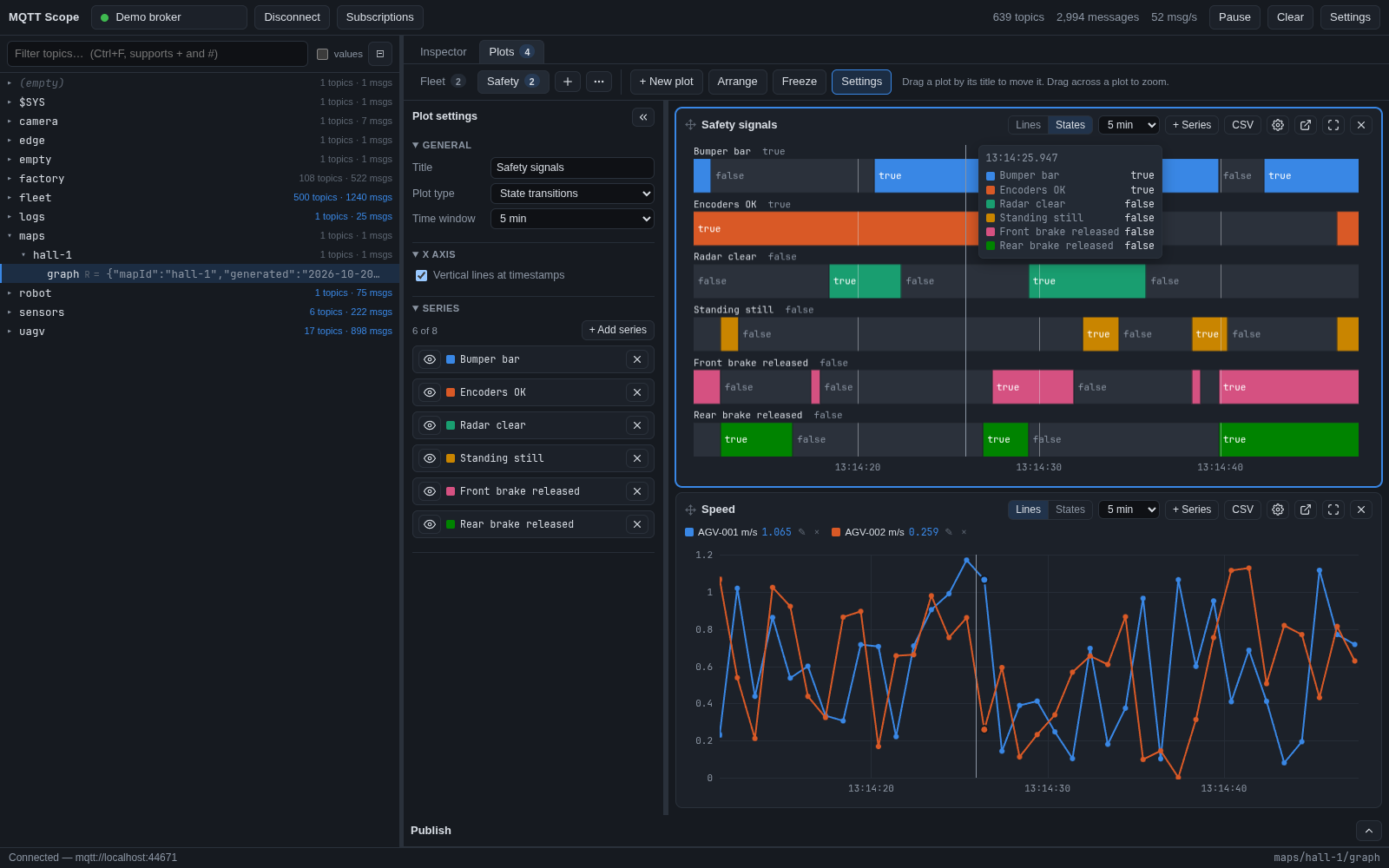
Switch a plot to States and every signal becomes a labelled lane that changes colour when its value changes, with the value written in. Safety signals, modes and flags read at a glance; vertical lines at timestamps and a time bar synced across plots show what happened when.
Save the messages you send most and fire them with one click. The publish target never silently follows your clicks once you have edited a message, retained publishes ask first, and double clicks never send twice.
Yes. MQTT Scope is free and open source under the MIT license, for Linux, Windows and macOS.
Yes. Like MQTT Explorer it subscribes to everything and shows the broker as a live topic tree. It adds a large-message inspector with a structural diff, live plots and state transitions of any JSON field, a library of saved messages, several brokers at once (one per window) and safety guards for publishing to live systems.
MQTT 3.1.1 and MQTT 5.0 over TCP (mqtt://), TLS (mqtts://, with custom CA and client certificates), WebSocket (ws://) and secure WebSocket (wss://), with username and password authentication.
Yes. Multi-megabyte JSON messages open instantly because the tree renders on demand, search filters a large document down to the matching branches, and the virtualised topic tree stays smooth with tens of thousands of topics.
Yes. Pick numbers from any topic or JSON field, from several topics at once, and give each series an alias and a colour. Show true/false and status values as state transitions, organise plots in named tabs, drag and resize them like panels, zoom into any time range, pop a plot out to another screen, and export the data as CSV.
Yes. It was built against VDA5050 robot brokers: state, visualization, order and factsheet messages, 64-bit ids kept exact, and saved instant actions you can send with one click.
Download the AppImage or tar.gz from the latest release. On Arch Linux, build the mqtt-scope-bin package from the repository's packaging/aur folder with makepkg -si.
Arch: build the mqtt-scope-bin package with makepkg -si from packaging/aur. The AppImage needs FUSE 2.
Not notarised yet: right-click the app and choose Open the first time.